
.
Setup Guide
Congrats on your new Kibosh!
Your MT6000 WiFi router is enroute.
Or maybe you already have it?
Either way is good – please proceed…


..
Step 1 – Confirm and track order
NOTE: Amazon orders – start at Step 2.
Delivery takes 3-5 days, but sometimes delays can occur.
Check your email from Kibosh for the tracking #
Step 2 – Unpack your Kibosh Router
Step 3 – Installing your Kibosh Router
First – watch this quick Setup Overview.
Now we can dive into the gritty details.
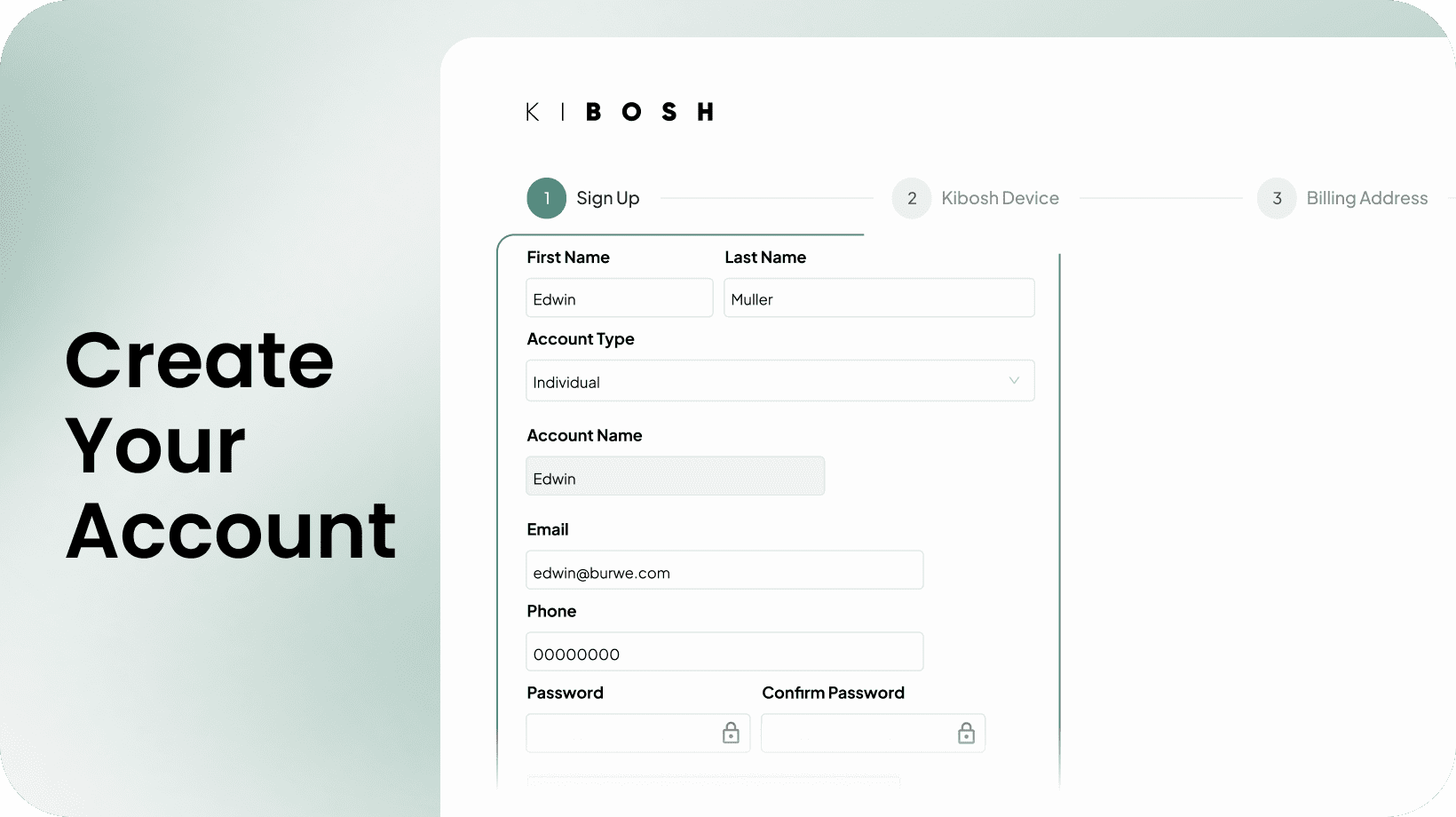
Step 4 – Create your Kibosh Portal
The Kibosh Portal is how you will control the MT6000 and Mobile Link VPN.
Please complete Step 3 before starting this step (step 4).
Step 5 – Take control of your Internet
.
.
.
New Customer FAQs
How long does shipping take?
Usually 2-5 days.
Check your inbox for Kibosh email with tracking #.
I have my Kibosh MT6000 Router - what do I do next?
Once you have your Kibosh MT6000 - go here to Start Setup.
Can I speak to someone?
Sure, and you have a few options:
- Open a live chat at Kibosh.com
- Send an email to support@kibosh.com
- Schedule a phone call here.
network parental control, online protection, home router with parental controls, safe web search, website blockers