
.
Onboarding
For Amazon Customers
Need to speak to someone?
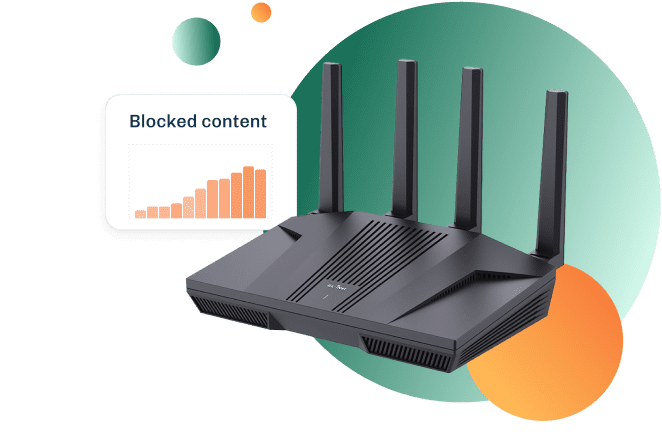

Step 1 – Unpack Kibosh MT6000 Router
Step 2 – Install your Kibosh WiFi Router
Step 3 – Create Kibosh Portal
NOTE: Complete Step 2 before doing Step 3.
Step 4 – Activate Kibosh Portal
Optional.
First 30 Days Free.
Step 5 – Start using your Kibosh
Have fun!
.
How to Activate Kibosh
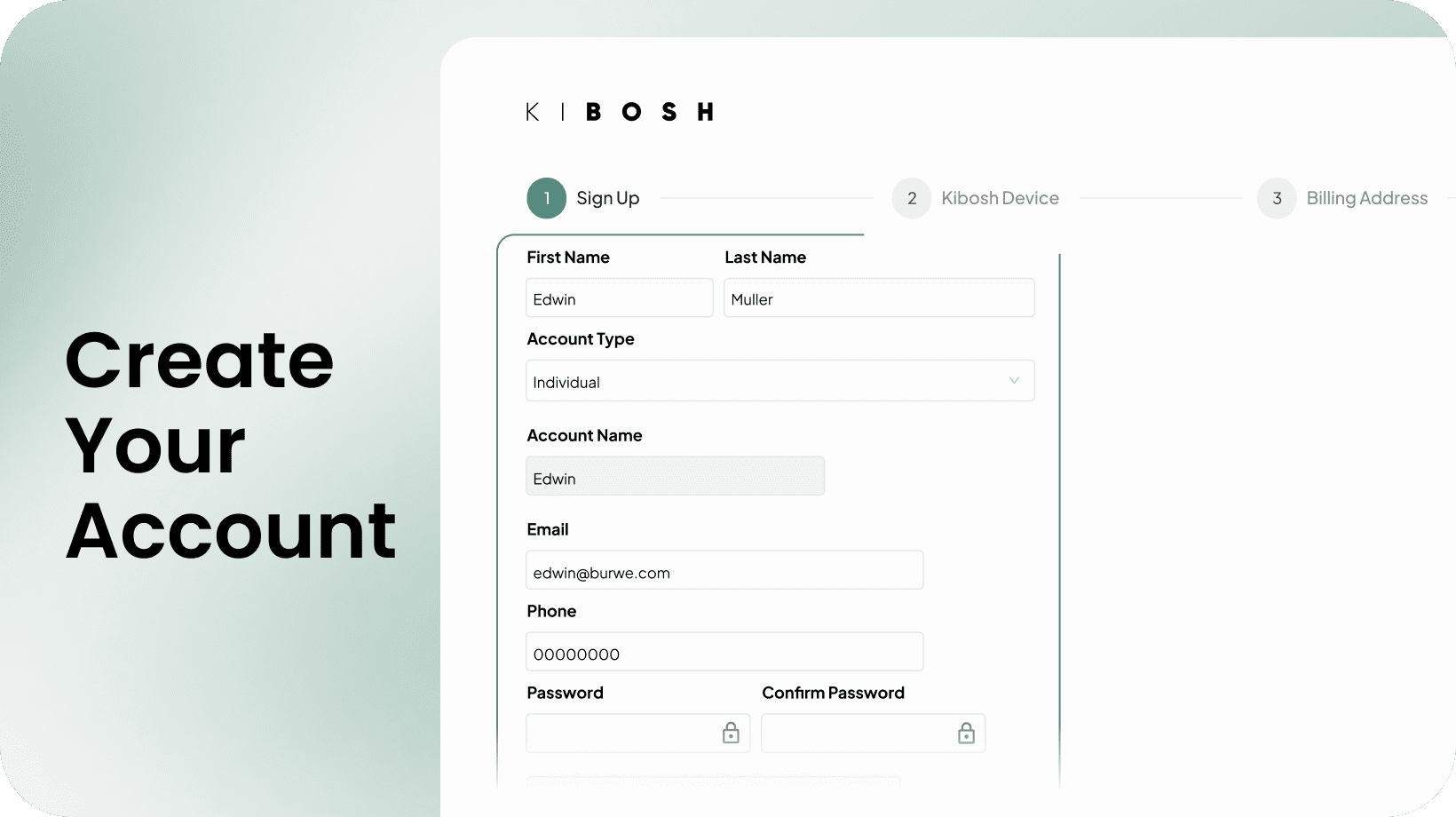
Step-by-Step:
- Log into your Kibosh Portal (created in Step 3)
- If not immediately prompted to purchase PRO, go to Kibosh.com/Activate
- Choose Kibosh Pro (Router+VPN Ready)
- Enter a friendly name for your Kibosh (can be anything)
- Enter the Router ID that is listed on the box sleeve, and under the MT6000
- Looks like this: e2deab2fc59c574f
- Choose Annual or Monthly Internet Security
- Use 30FREE at checkout for 1 month free
- Note: Immediately after checkout you will be take to your Kibosh Portal
- Go to Portal Orientation to start taking control
.
How to Operate your new Kibosh
.
New Customer FAQs
How long does shipping take?
Usually 2-5 days.
Check your inbox for Kibosh email with tracking #.
I have my Kibosh MT6000 Router - what do I do next?
Once you have your Kibosh MT6000 - go here to Start Setup.
Can I speak to someone?
Sure, and you have a few options:
- Open a live chat at Kibosh.com
- Send an email to support@kibosh.com
- Schedule a phone call here.
network parental control, online protection, home router with parental controls, safe web search, website blockers